
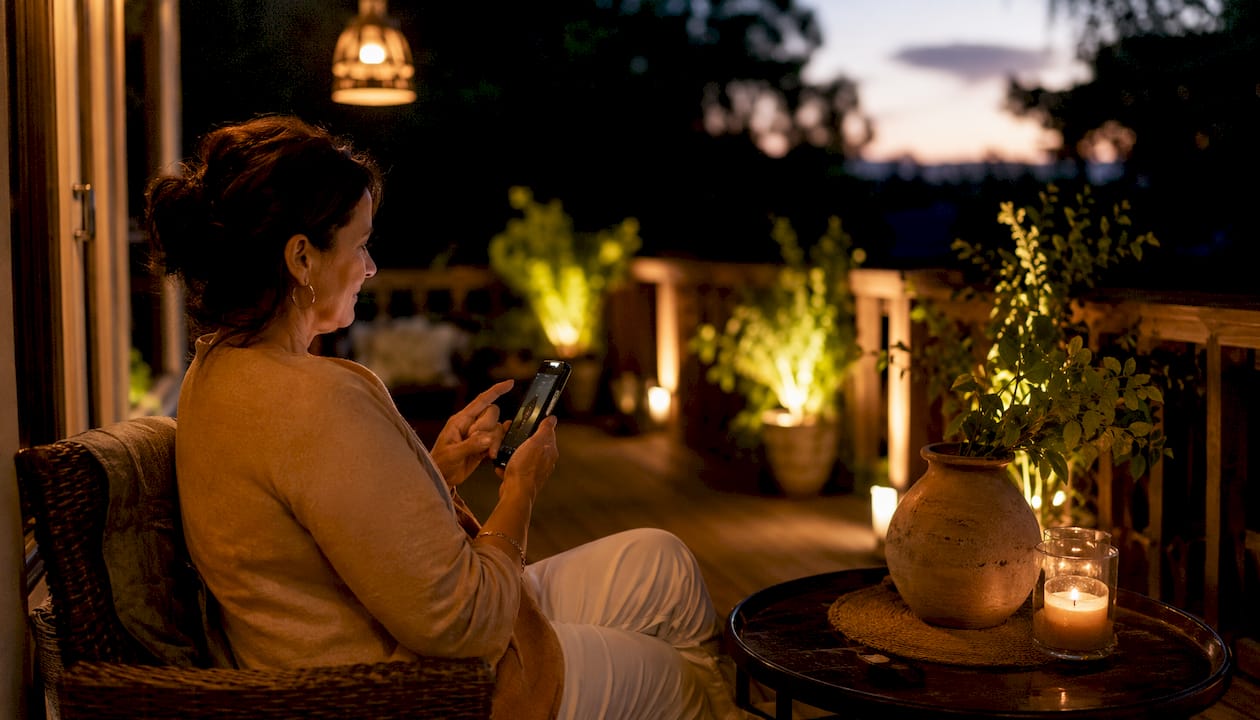
App-controlled landscape lighting gives homeowners full command of their outdoor spaces from a smartphone, replacing manual timers and guesswork with precise scheduling, zone management, and remote access. Systems like Haven Lighting, the Rachio Smart Lighting Controller, and AMP Lighting represent the current generation of smart outdoor lighting systems that pair low voltage transformers with dedicated apps to deliver real convenience. The core benefits are straightforward: consistent security coverage, reduced energy costs, and the ability to set the right mood for any occasion without stepping outside.
Key capabilities homeowners get with app-controlled outdoor lighting:
- Remote on/off and dimming from anywhere with a Wi-Fi connection
- Zone control to manage front yard, backyard, and pathway lighting independently
- Automated scheduling synced to sunrise and sunset times
- Scene presets for entertaining, security, and seasonal displays
- Voice assistant compatibility with Amazon Alexa and Google Home
- Energy monitoring per zone on select systems
This technology works with most low voltage landscape lighting setups, including LED and incandescent fixtures, making it accessible whether you are upgrading an existing system or starting fresh.
Table of Contents
- What smart landscape lighting app control features matter most?
- How to set up app-controlled outdoor lighting at home
- How to connect your outdoor lighting to a smart home system
- Expert best practices for managing your lighting app
- Foreverglowlighting brings permanent smart lighting to your home
- Key Takeaways
What smart landscape lighting app control features matter most?
Zone and scene customization sit at the top of the list for most homeowners. The ability to divide your property into independent zones lets you dim the driveway while keeping the backyard at full brightness, or run a security scene on the front path without affecting accent lighting near the garden. The Kichler Connects app supports multiple zones per transformer, with the option to sync transformers for larger properties.
Scheduling and automation are equally important. Apps like Legrand’s Home + Control let you schedule lights by sunset or sunrise, automatically adjusting times as the seasons change. That means your pathway lights come on at dusk in December and dusk in June without any manual adjustment.
Here is what to look for in a quality app interface:
- Intuitive layout with clear zone labels and one-tap scene activation
- Sunrise/sunset automation that updates based on your location
- Custom schedules by day of week, not just daily repeats
- Dimming controls per zone, not just on/off
- Firmware update notifications to keep devices running reliably
- Privacy settings that limit data sharing and require secure login
Voice control adds another layer of convenience. Systems that connect to Amazon Alexa or Google Home require a 2.4GHz Wi-Fi connection for consistent app-to-hardware communication. Most modern smart landscape controllers support both Bluetooth for local pairing and Wi-Fi for remote and voice-based control.
Pro Tip: Prioritize systems with independent zone control over single-channel controllers. The ability to set different schedules and brightness levels per zone pays off immediately when you want security lighting on one side of the house and softer accent lighting on the other.
How to set up app-controlled outdoor lighting at home
Setup is more straightforward than most homeowners expect, especially with current systems designed for DIY installation. The Hinkley Home Automation App, for instance, walks users through account creation, device registration, and schedule configuration in three steps.
Step-by-step setup process:
- Download the app for your system (available on iOS and Android for most major brands).
- Create an account and register your controller or transformer device.
- Pair the device via Bluetooth first, then connect to your home’s 2.4GHz Wi-Fi network for remote access.
- Define your zones by assigning fixture groups to labeled areas like “Front Path” or “Backyard.”
- Set your first schedule using a sunrise/sunset trigger or a fixed time, then select which zones it applies to.
- Create scene presets for common situations: a “Security” scene at full brightness, an “Entertaining” scene at 60%, and a “Sleep” scene that turns everything off.
- Test each zone individually before saving your configuration.
A few practical tips for installation and upgrades:
- Most smart transformers replace standard low voltage transformers directly, so upgrading an existing system usually requires no new wiring.
- Weatherproof permanent outdoor lights, like those with detachable mounting bases and cuttable strips, simplify roofline installation considerably.
- Check firmware updates in the app immediately after pairing. Outdated firmware is the most common cause of connectivity problems.
- If a device stops responding, a quick unpair and re-pair through the app resolves most issues before any hardware troubleshooting is needed.
For battery-powered or solar app-controlled devices, check power levels weekly through the app until you understand the consumption pattern for your specific setup. Wired low voltage systems avoid this entirely, which is one reason they remain the preferred choice for permanent installations.
How to connect your outdoor lighting to a smart home system
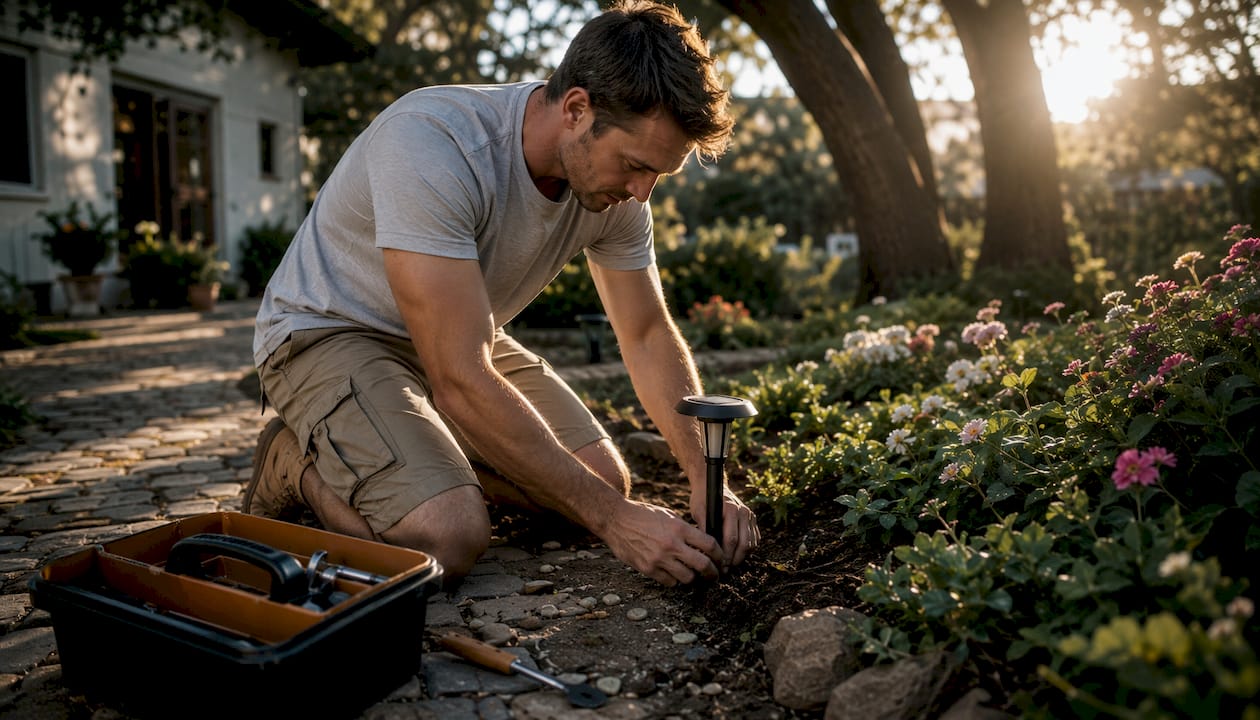
Smart landscape lighting integrates with broader smart home platforms through Wi-Fi and cloud-based services. Amazon Alexa and Google Home are the two most common voice platforms, and most current landscape lighting apps support both. The Spektrum+ Smart Lighting app, for example, connects to Amazon Alexa and Google Home through its Smart Hub, which must be on the same 2.4GHz network as your voice assistant device.
Practical integration scenarios homeowners use regularly:
- Voice-activated scenes: “Alexa, turn on the patio lights” triggers a preset scene without opening the app.
- Motion sensor linking: Security lighting tied to a motion sensor activates automatically when movement is detected near entry points, adding a layer of deterrence that improves home security.
- Synchronized routines: Outdoor lights can be included in a “Good Night” routine that also locks doors and dims interior lights simultaneously.
- Geofencing: Some apps turn lights on when your phone arrives home and off when you leave, without any manual input.
Security and privacy deserve attention here. Use a strong, unique password for your lighting app account, keep the app updated, and avoid connecting devices to public or shared Wi-Fi networks. A stable home network is also the single most reliable fix for lights that respond slowly or fail to execute scheduled commands.
A smart home integration guide for devices like the Xiaomi Air Purifier illustrates how the same 2.4GHz network dependency applies across connected home devices, reinforcing why a solid router setup matters for any smart home expansion.
Expert best practices for managing your lighting app
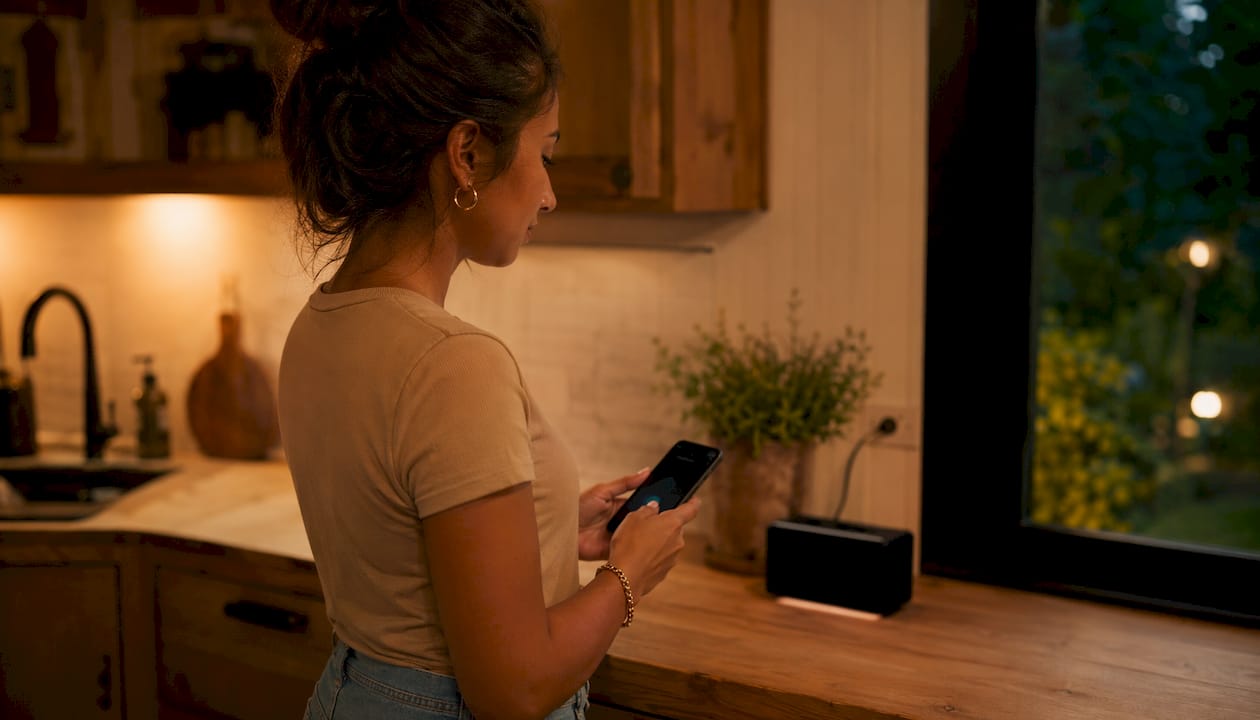
Zoning is the foundation of a well-managed outdoor lighting system. Lighting professionals consistently recommend grouping fixtures by function and location rather than by fixture type. A front entry zone, a pathway zone, and a garden accent zone each serve different purposes and benefit from independent schedules.
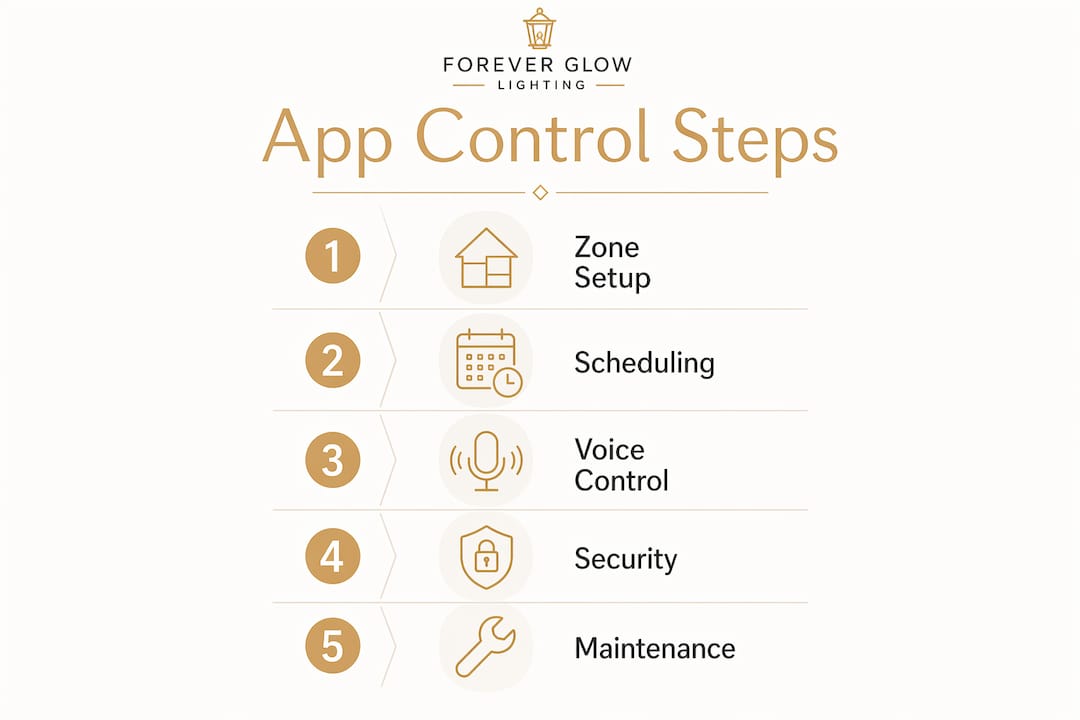
Understanding how manual overrides interact with active schedules prevents a lot of frustration. When an automated schedule is running, manual app adjustments may be temporarily blocked or overridden when the next scheduled event fires. Knowing this hierarchy helps you avoid the confusion of wondering why lights that you turned off manually came back on an hour later.
Pro Tip: Set your schedules, then run them for a full week before adding scene presets or complex automations. Catching conflicts between a sunset trigger and a fixed-time schedule is much easier when you are only watching one variable at a time.
Common pitfalls and how to avoid them:
- Overlapping schedules: Two schedules targeting the same zone at the same time cause unpredictable behavior. Audit your schedule list monthly.
- Weak Wi-Fi signal at the transformer: A Wi-Fi extender placed near the transformer solves most remote-control failures without any app changes.
- Ignoring app updates: Updates often include bug fixes for scheduling conflicts and connectivity drops.
- No backup schedule: If your internet goes down, a locally stored schedule on the controller keeps lights running. The Hinkley Smart Landscape Controller, for instance, retains all programming if power is lost.
Systems with good customer support and clear tutorial resources reduce setup time and prevent the most common configuration errors. Before purchasing, check whether the brand offers video guides, in-app help, and a responsive support channel.
Foreverglowlighting brings permanent smart lighting to your home
If you want app-controlled outdoor lighting without the complexity of sourcing components and configuring systems yourself, Foreverglowlighting offers a done-for-you path. Based in Charlotte and serving homeowners across the region, we design and install permanent LED lighting systems that integrate directly with smartphone control, giving you full color and scheduling capability from day one.
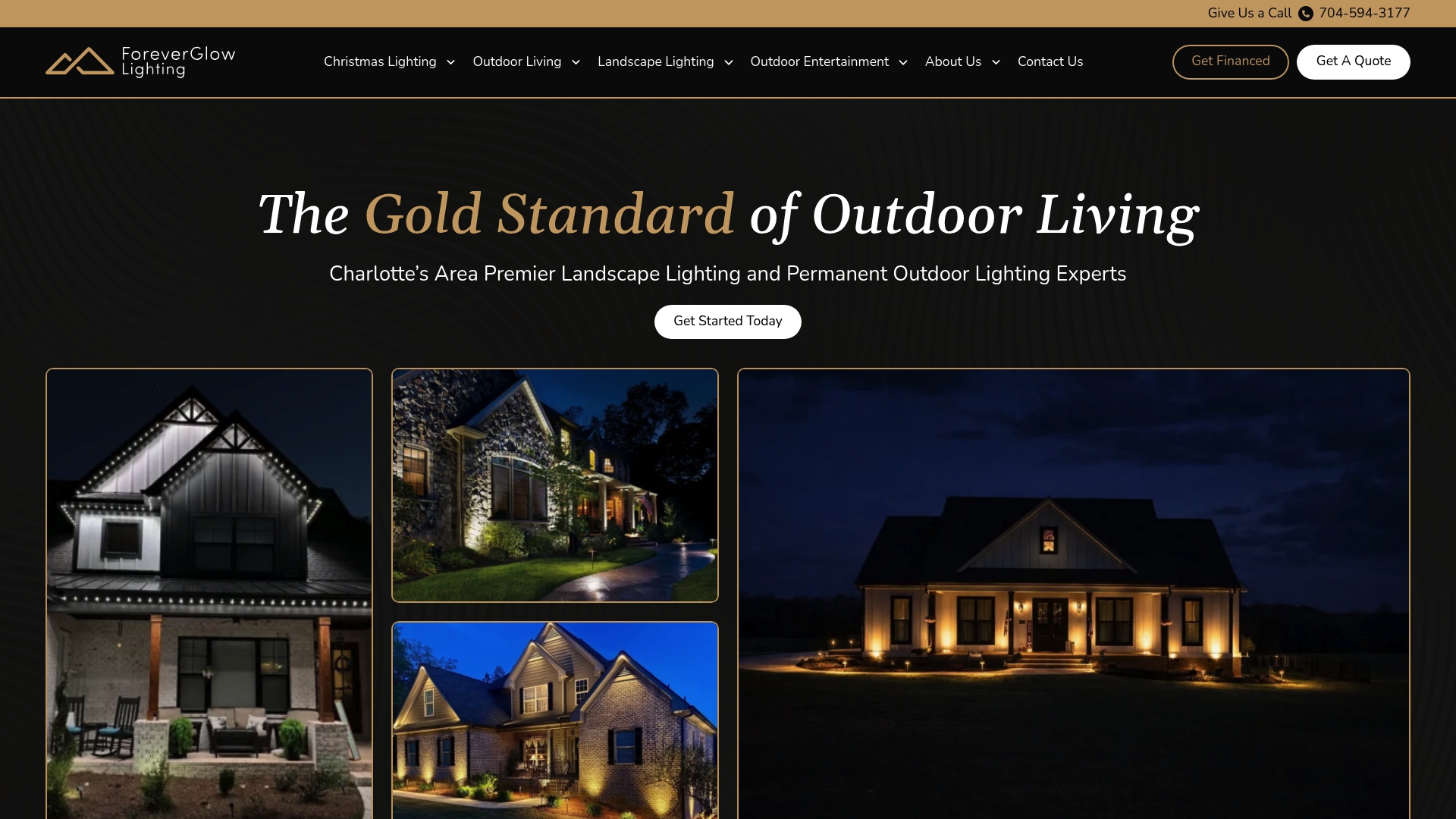
Our permanent systems mount cleanly along your roofline and exterior, invisible during the day and fully programmable at night. Whether you need year-round accent lighting, security coverage, or a setup ready for every holiday without ladder work, we handle the installation and configuration so you get a working system, not a weekend project. For homeowners who want professional landscape lighting that is built to last and controlled from your phone, contact Foreverglowlighting today for a free estimate.
Key Takeaways
App-controlled landscape lighting delivers the most value when zone control, automated scheduling, and smart home integration are configured together from the start.
| Point | Details |
|---|---|
| Zone control is foundational | Independent zones let you set different schedules and brightness levels for each area of your property. |
| 2.4GHz Wi-Fi is required | Voice control and remote automation depend on a stable 2.4GHz network connection at the controller. |
| Scheduling reduces energy costs | Sunset/sunrise-based automation adjusts run times seasonally without manual updates. |
| Manual overrides interact with schedules | App adjustments may revert when the next scheduled event fires; understanding this hierarchy prevents confusion. |
| Foreverglowlighting | Offers professionally installed, app-controlled permanent LED systems for Charlotte-area homeowners. |